

Step-by-Step Guide
1
Navigate to the Storage tab
Go to the 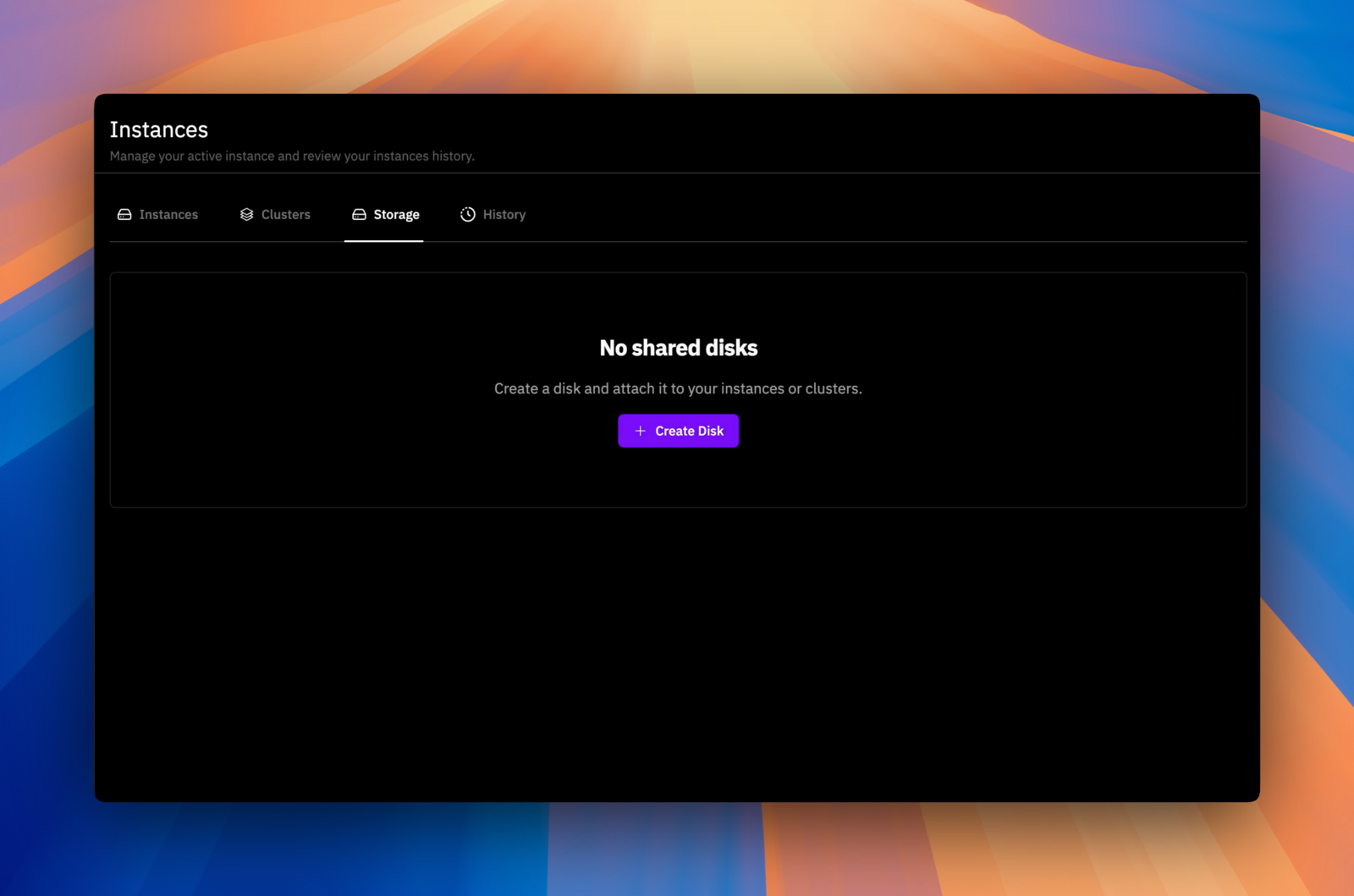
Storage tab in your Instances page, and click on Create Disk.2
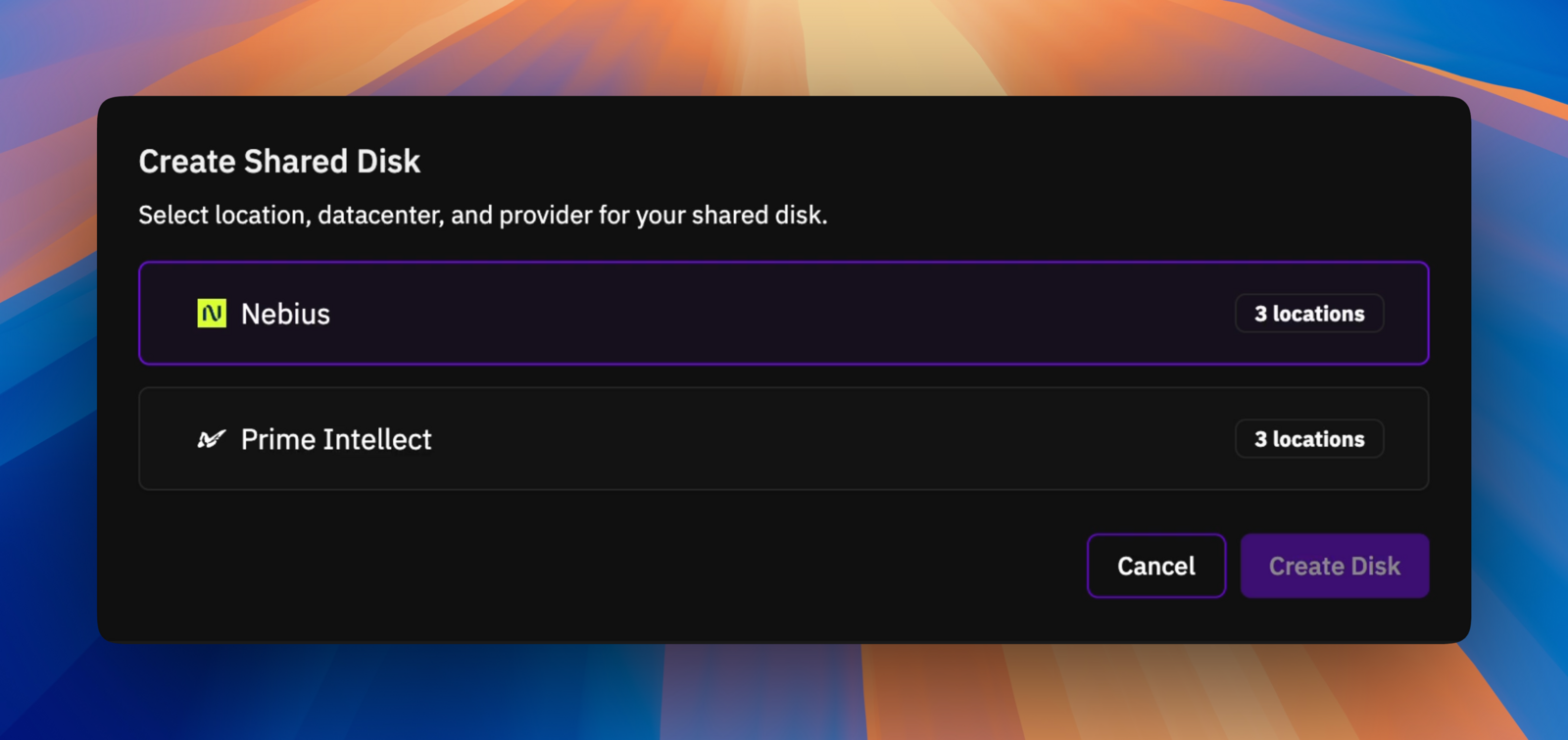
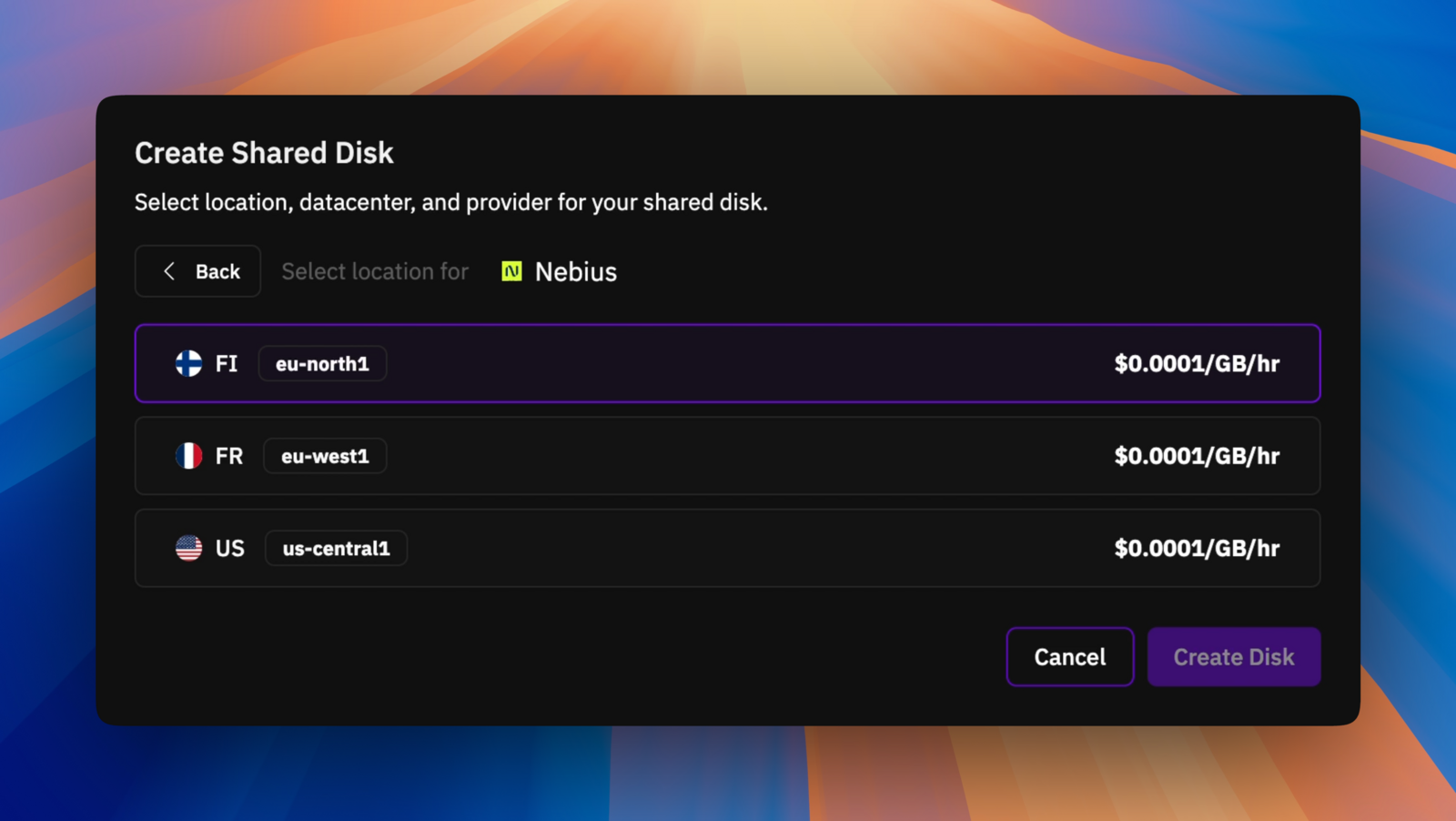
Choose a provider to provision the disk and select the datacenter where the disk should be created.
3
Configure disk size
Enter your desired disk size and click 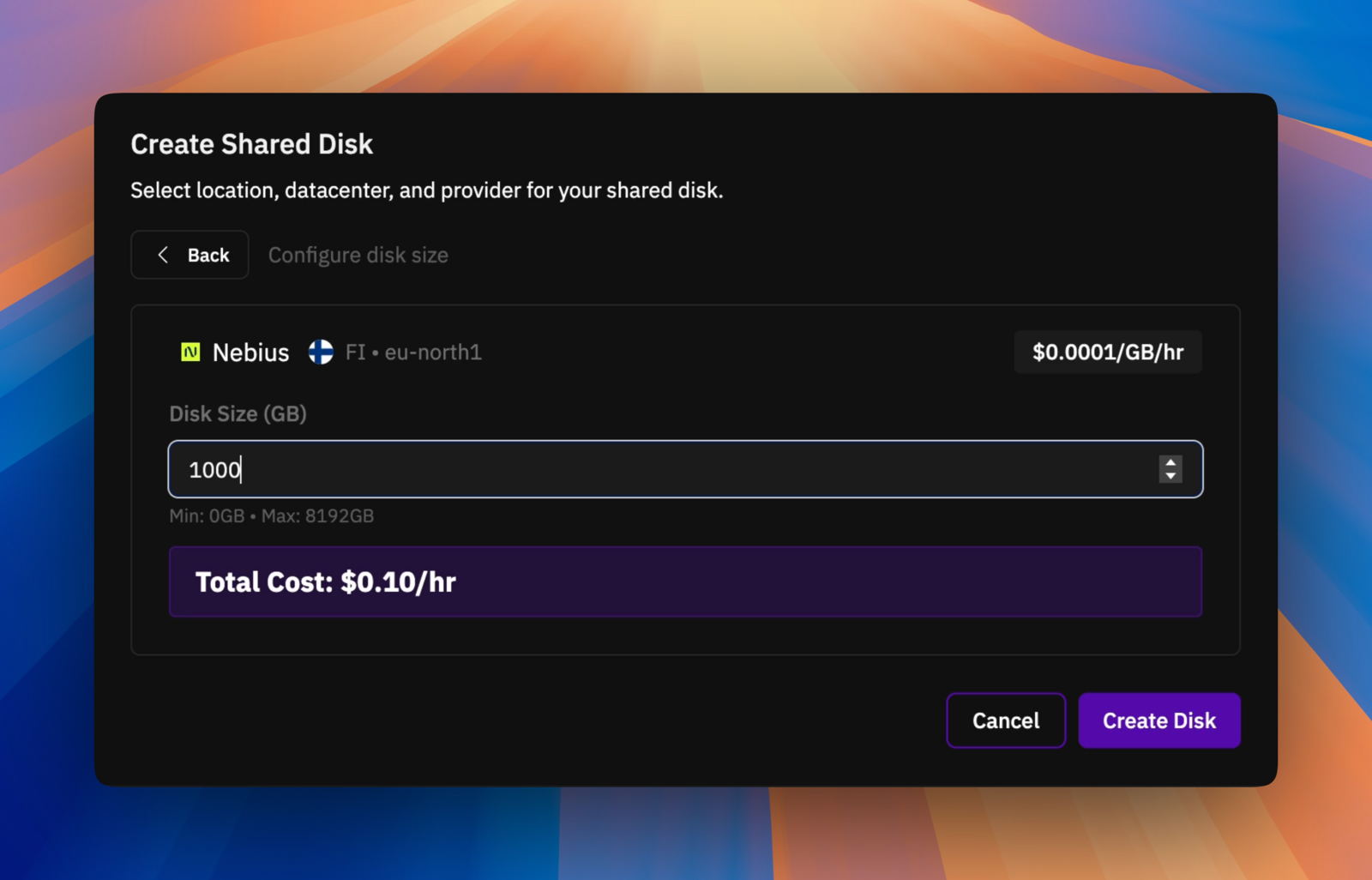
Create Disk.4
Wait for disk provisioning
The disk will begin provisioning. You can only attach disks that have an 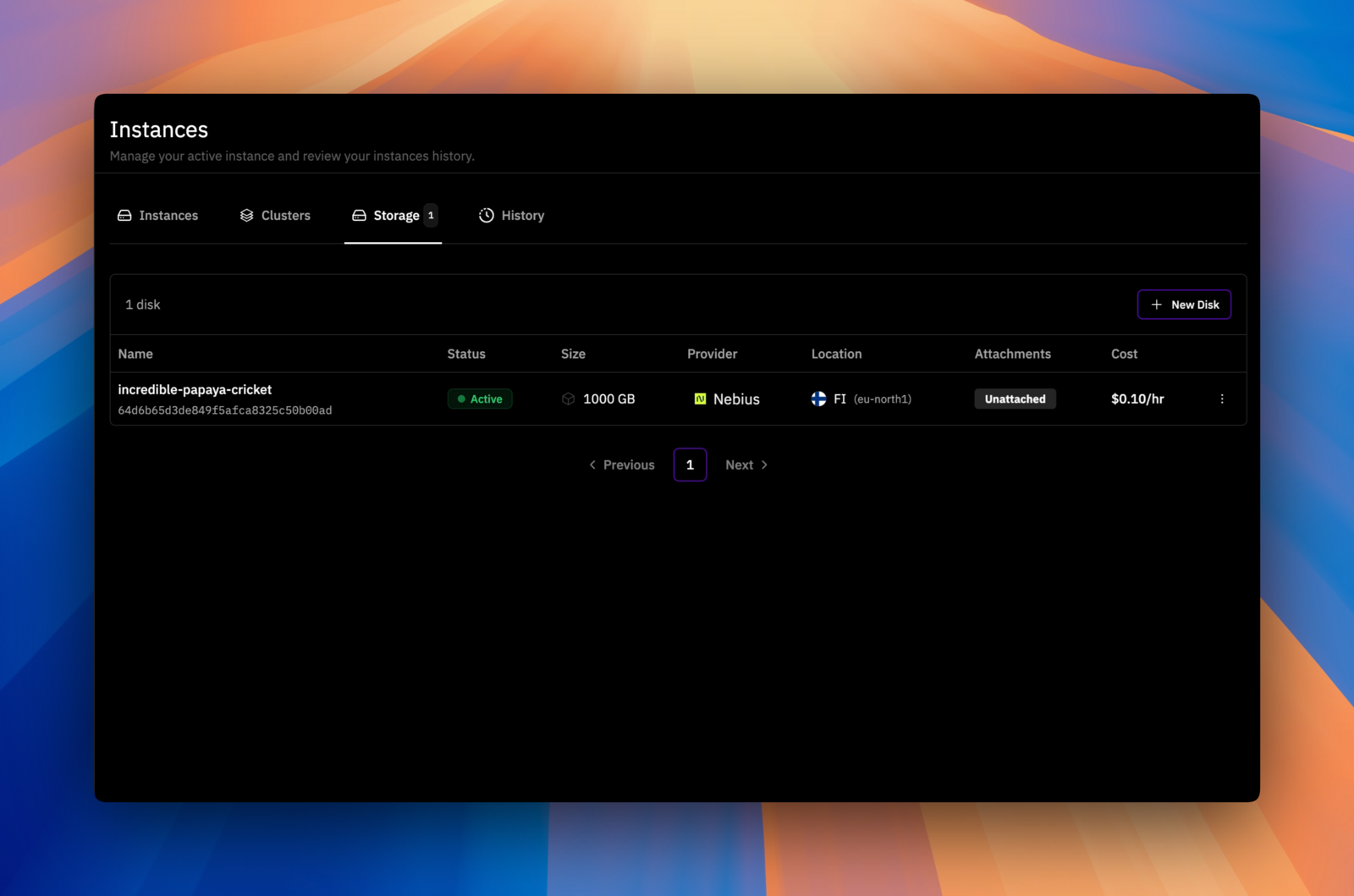
Active status.