

Why Sandboxes
Prime Sandboxes are disposable, isolated microVMs for AI-assisted coding, benchmarking, and quick experiments. They give agents and humans a clean workspace without touching production infrastructure.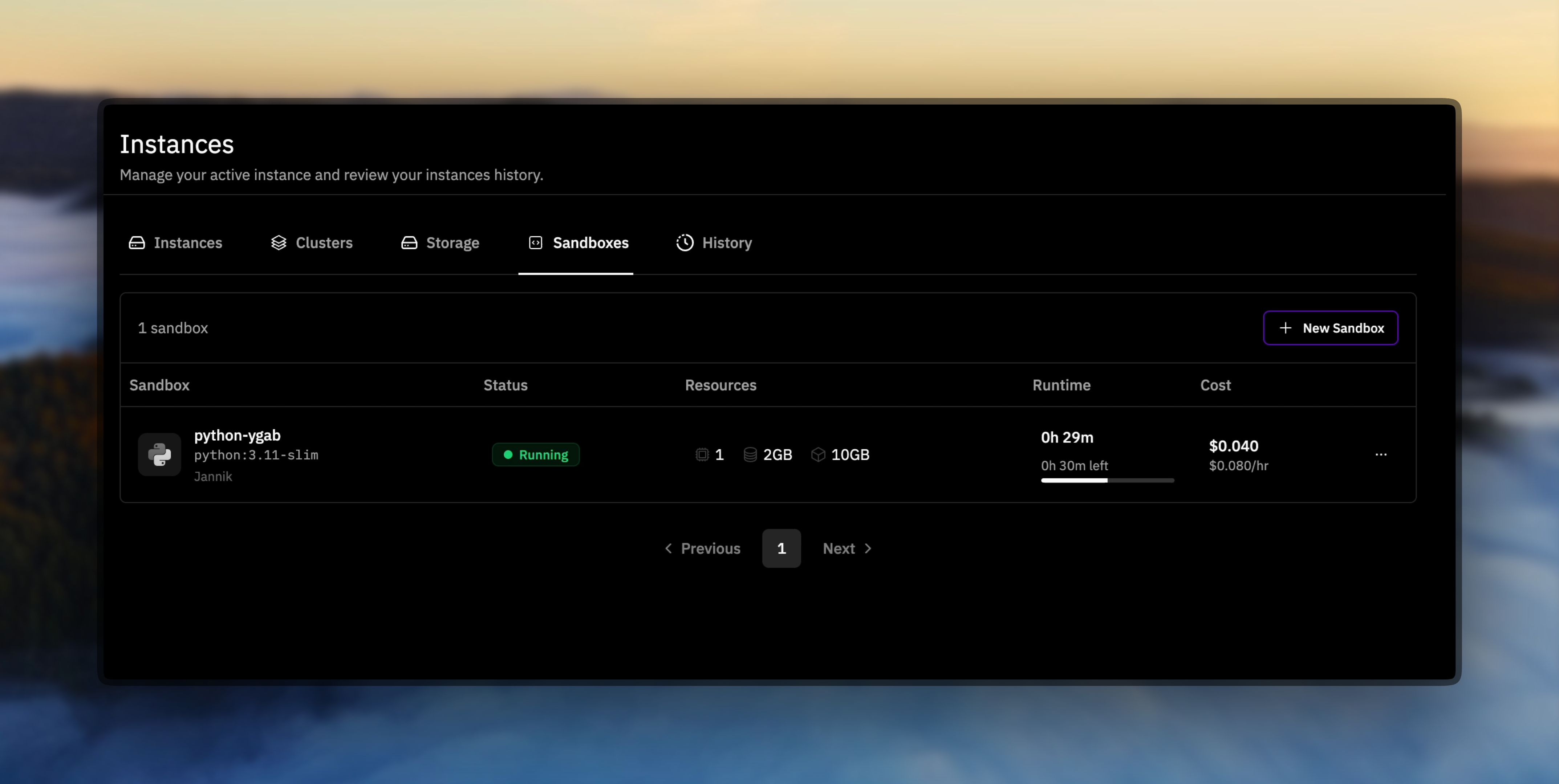
Popular moves
- Prototype quickly – launch a clean runtime and iterate without worrying about teardown.
- Benchmark safely – run untrusted code or model evaluations in a locked-down environment.
- Run AI agents securely – restrict where code can reach with network allow/deny lists.
- Connect sandboxes privately – put sandboxes on a private network and control which ones may talk to each other.
- Inject secrets safely – pass API keys, passwords, and tokens as encrypted secrets that never appear in logs or API responses.
- Teach & demo – hand teammates a reproducible workspace that mirrors your setup.
- Use custom images – push your own Docker images and use them in sandboxes with all your dependencies pre-installed.
- Organize with labels – tag sandboxes by project, team, or environment for easy filtering and bulk cleanup.
VM Sandboxes
VM sandboxes boot an OCI/Docker image as the root filesystem of a hardware-isolated microVM. Use them when you need a stronger isolation boundary or VM-only egress controls. VM sandboxes were built with agentic RL in mind. They offer:- Full VM fidelity - supports Docker, systemd, background services, and kernel-dependent workloads.
- Fast startup - we can start thousands of concurrent sandboxes in seconds, with image-aware scheduling for heterogeneous training runs.
- Latency – commands come back noticeably faster.
- GPUs – GPU sandboxes are VM-only (coming soon).
- Filesystem checkpoints - save the filesystem of a running sandbox, restore it into a new sandbox, or fork it to branch your work.
Filesystem Checkpointing
A checkpoint saves a sandbox’s filesystem so you can start new sandboxes from it later, or fork a running one to branch your work. Checkpoints capture files only, not running processes or memory. A checkpoint is usable once it reaches theDURABLE state. From then on it outlives its source sandbox. Until then, keep the source sandbox running: deleting it early loses the checkpoint.
See the CLI or SDK guides to get started.
First Run
Make sure you have an API key with the right permissions on hand (prime login) before running these commands.
Pricing
Sandboxes are billed while running. For our new launch, these rates are valid through December 22, 2026:- CPU: $0.02 per vCPU per hour
- Memory: $0.0125 per GiB per hour
- Disk: $0.0002 per GiB per hour
- Storage: $0.10 per GiB per month, billed hourly while the image or checkpoint exists
- Upload: a one-time charge equal to one day of storage, applied when an image build completes or a checkpoint becomes
DURABLE
Limits
Per-sandbox
CPU is allocated in whole vCPUs; fractional values are truncated, and anything below 1 becomes 1. Set the timeout to any negative value for no lifetime deadline. A finite timeout must be at least as long as the idle timeout.
Per-account
Account limits apply across all running sandboxes. If you need higher limits, contact support.
Images
Sandboxes run standard Docker images. When you pass an image reference toprime sandbox create, it resolves in this order:
- Prime Images — references that start with
prime/, likeprime/<username>/<image>:<tag>,prime/<team-slug>/<image>:<tag>, or the id forms (prime/<userId>/<image>:<tag>,prime/team-<teamId>/<image>:<tag>), resolve to a Prime Image you can access: your own, your team’s, or one that’s been published. - Docker Hub — any other reference with no registry host and no
prime/prefix resolves as a Docker Hub image, so official images likeubuntu:22.04orpytorch/pytorch:latestwork as usual. - Other public registries — references hosted on registries like
ghcr.ioorquay.ioare not accepted directly. Transfer the image into Prime first withprime images push --source-image, then reference the resultingprime/image.
VM sandbox images
VM sandboxes boot Prime Images and Docker Hub images. The first time a given image is launched as a VM sandbox, Prime converts it into a VM image. The sandbox staysPENDING while that runs, which can take a few minutes; later sandboxes from the same image start normally.
GPU Support
GPU-enabled sandboxes are coming soon. They run only on VM sandboxes and need an explicit grant from Prime, so--gpu-count above 0 returns an error until your account has access. We’ll announce as soon as GPU tiers open up.
Next Steps
- Use the Sandbox CLI Guide for day-to-day commands.
- Build automation with the Sandbox SDK Guide.
- Connect sandboxes to each other with Private Networks.
- Explore runnable demos in prime/examples.